
Research insights
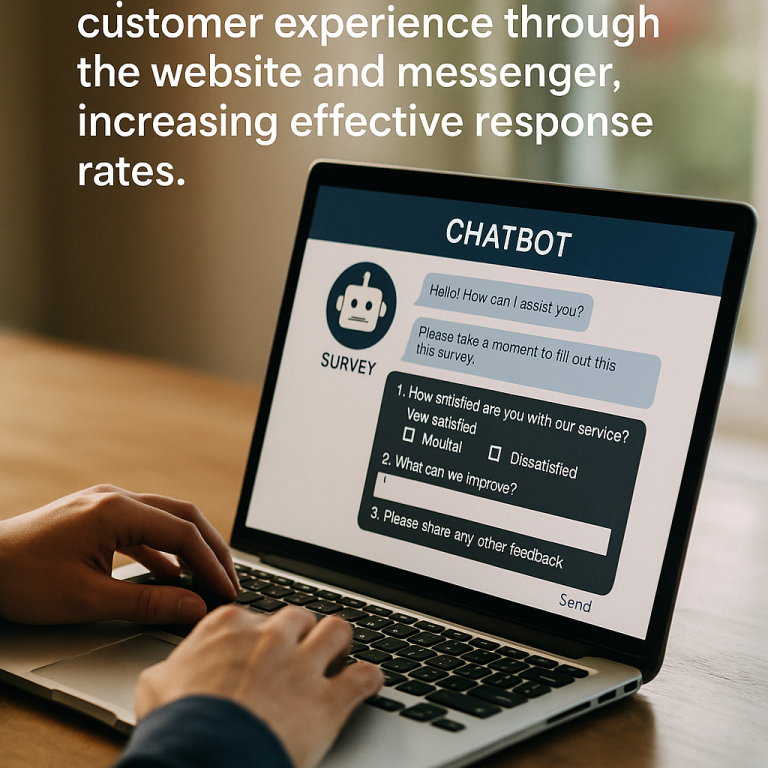
Building an Automatic Survey Chatbot on Website and Messenger

On this page
- Why Should You Use an Automatic Survey Chatbot?
- Common Types of Chatbots Used for Surveys
- The Process of Building an Automatic Survey Chatbot
- Tools to Support Building Automatic Survey Chatbots
- How to Integrate Survey Chatbots on Website and Messenger
- Tips to Optimize Survey Chatbots to Increase Response Rates
- Case Study: Examples of Successful Automatic Survey Chatbots
- Conclusion and Advice When Building Automatic Survey Chatbots

Nowadays, applying technology to business processes is no longer a strange concept. Among them, automatic survey chatbots have emerged as a useful tool, not only helping businesses collect customer feedback quickly but also improving user experience on platforms like websites and messenger.
For teams turning this topic into a practical research plan, see how INTAGE Vietnam research services support qualitative research, quantitative surveys, fieldwork, online research and analysis for business decisions in Vietnam.
Why Should You Use an Automatic Survey Chatbot?
Building an automatic survey chatbot brings many practical benefits to businesses. First, it helps automate the process of collecting customer feedback, thereby saving time and resources for the business. Users no longer have to fill out lengthy forms but can interact directly with the chatbot quickly and conveniently.
Moreover, the automatic survey chatbot also enhances user experience and increases interaction between customers and the brand. With the ability to respond quickly, customers will feel more valued and are more likely to participate in surveys. As a result, the response rate is significantly higher.
Common Types of Chatbots Used for Surveys
- Website Chatbots: often integrated into websites to collect feedback while customers are exploring products or services.
- Messenger Chatbots: allow businesses to interact with customers via popular messaging platforms, creating a closer and friendlier experience.
Each type of chatbot has its own advantages and disadvantages, but both contribute to increasing the effectiveness of surveys.
The Process of Building an Automatic Survey Chatbot
To effectively build an automatic survey chatbot, businesses need to follow a clear process:
- Plan the survey script: define the survey objectives and the necessary questions to achieve those goals.
- Design chatbot questions: use simple and understandable language, focusing on making customers feel comfortable answering.
- Integrate the chatbot into the website and messenger: ensure a smooth integration process and ask for feedback on the user experience.
- Test and optimize the chatbot: conduct tests before the official launch, adjust any issues that arise, and optimize the structure to increase effectiveness.
Tools to Support Building Automatic Survey Chatbots
There are many tools available in the market to support the creation of automatic survey chatbots. Some notable names include:
- ManyChat: allows users to easily build chatbots for Facebook Messenger with many customization features.
- Chatfuel: is a powerful tool for those starting to learn about chatbots.
- Tidio: combines chat and chatbot for websites, effectively enhancing customer service.
- BotStar: helps users create beautiful and easy-to-use chatbot scenarios.
Each tool has unique features that support the creation of automatic survey chatbots, helping businesses achieve maximum effectiveness.
How to Integrate Survey Chatbots on Website and Messenger
Integrating survey chatbots into websites and messenger is an important step to begin collecting data. Here is a detailed guide:
- Integrate chatbots on the website: identify the display location on the website and carry out the configuration steps from your chatbot tool provider.
- Integrate chatbots on Facebook Messenger: connect your Facebook account with the chatbot creation tool, then set up the chat frame and launch it.
- Things to consider during integration: check the compatibility of the chatbot with different devices and ensure that users can easily access the chatbot.
The integration will help businesses become more closely present with customers through various channels.
Tips to Optimize Survey Chatbots to Increase Response Rates
To optimize the survey chatbot, businesses need to pay attention to the following factors:
- Use friendly language: helps customers feel more comfortable when communicating.
- Design engaging survey scripts: ensure that the questions will attract customers’ attention.
- Use automatic reminder features: helps customers remember to participate in the survey.
- Analyze survey data and improve the chatbot: regularly review feedback to adjust and optimize the chatbot for future surveys.
Case Study: Examples of Successful Automatic Survey Chatbots
Many businesses have successfully applied automatic survey chatbots. Some notable examples include:
- A electronics store used a chatbot to collect customer feedback after purchase, leading to improvements in delivery services and expanding warranty policies.
- F&B businesses conducted customer opinion surveys about new menus and received positive feedback, resulting in adjustments to menus that met customer needs.
These practical cases demonstrate that building an automatic survey chatbot not only requires technology but also depends on the implementation method and optimization of the collected data.
Conclusion and Advice When Building Automatic Survey Chatbots
In conclusion, building an automatic survey chatbot not only brings significant benefits to businesses in collecting customer feedback but also enhances the level of interaction between customers and the brand. Follow the outlined process, choose the right tools, and regularly take care of the chatbot to achieve optimal effectiveness on both the website and messenger.
Contact us today for tailored consultation!
Intage Vietnam: Your trusted partner for comprehensive and effective market research solutions.
📞 (+8428) 3820 5558
🌐 https://intage.com.vn/
🏢 1st floor, Citilight Tower, 45 Vo Thi Sau St., Tan Dinh Ward, HCMC